Copyright Silhouette School 2016. Powered by Blogger.


Showing posts with label epson. Show all posts

Epson F570 Won't Print: Fixing a Clogged Nozzle

Are you having trouble with your Epson F570 not printing correctly? This is usually caused by clogged nozzles, and it's a very common issue with sublimation printers. 

epson sublimation,Silhouette and Sublimation,epson,printer maintenance,Sublimation Printing,epson f570,sublimation,


The good news is that it's an easy fix - especially on an Epson F570 sublimation printer In this tutorial, I'll walk you through the exact steps to get your printer back up and running.

Loading Your First Shirt and Film on the Epson F170 Printer - Video Tutorial

Just starting out with your Epson F170 DTF and DTG printer?

Epson F1070,epson,epson printer,dtg printer,dtf printer,

Loading the platen, film, and shirts is one of the first essential steps!

Silhouette Studio for Sublimation: Free Software for Epson and Sawgrass

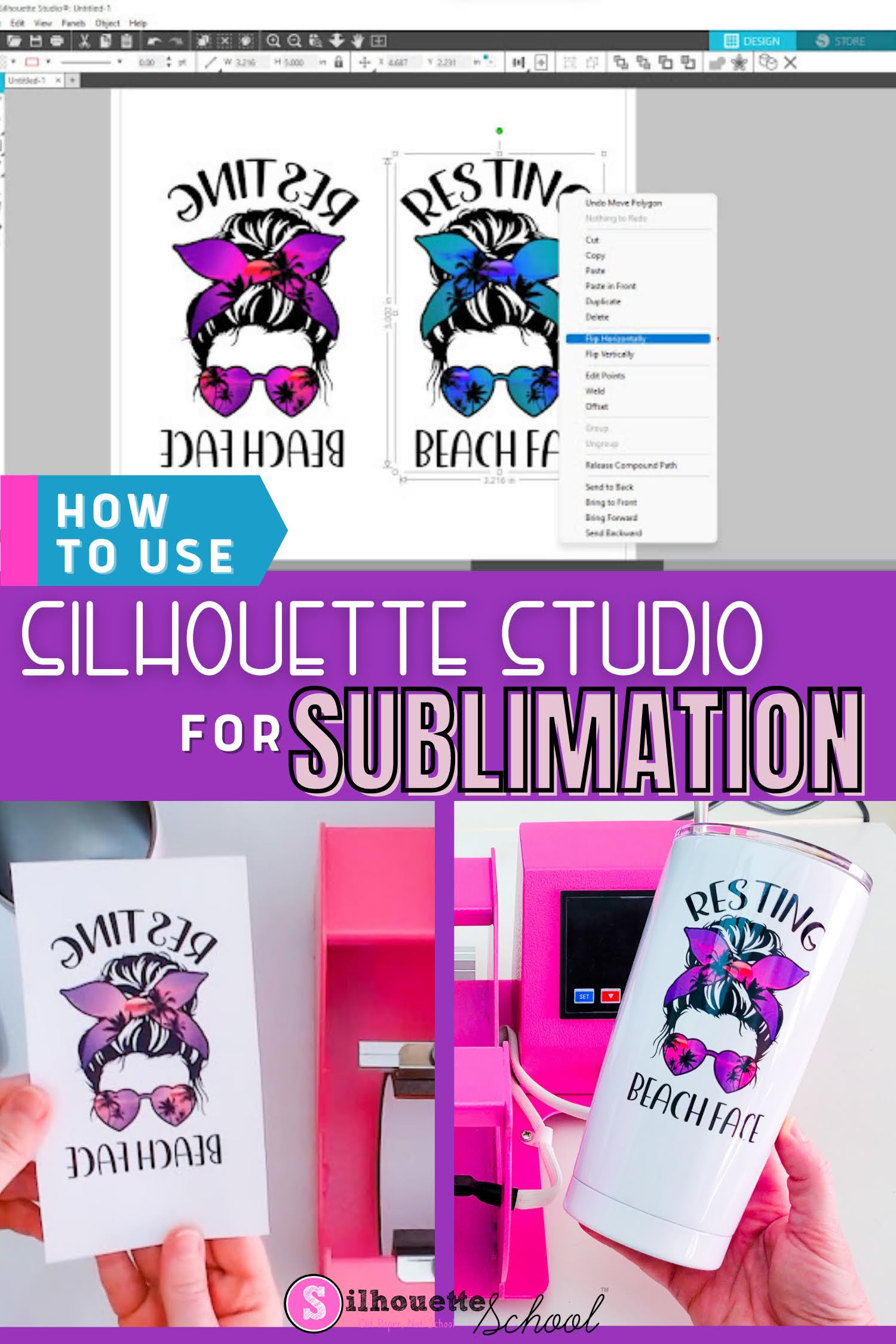
Silhouette Studio can be used for Sublimation printing for not only designing, but also print layout. 

silhouette 101, silhouette america blog, sawgrass, epson sublimation, silhouette studio v4

You don't even need a Silhouette cutting machine to use Silhouette Studio for Sublimation! Just download Silhouette Studio free. 

This tutorial will explain how to use Silhouette Studio for sublimation. 

Unboxing The Epson F1070 DTF and DTG Printer - Video Tutorial

If you're looking for a desktop printer that can do both Direct-to-film and direct-to-garment - Epson's F1070 is specifically designed to be compact yet powerful! 

Epson F1070,epson,DTG,dtf,dtf printer,epson printer, dtg printer,DTF transfers,

This is actually my second Epson DTF/DTG combo printer.  My first was the larger Epson F2100 which I absolutely love for it's ease of use and quality output.  The Epson F1070 is a less expensive, smaller, enclosed version that's mean for the serious home user or shop that's limited on space. This desktop combo printer is about to change how you create for your home business.

How to Sublimate Frosted Glass Tumblers with a Mug Press

If you're wondering "Can I sublimate on frosted glass?" the answer is yes...but. 

silhouette 101, silhouette america blog, epson sublimation, silhouette and sublimation, mug press

It's possible to do sublimation on frosted glass tumblers, as long as they are sublimation ready tumblers and you have the right equipment, time, and temperature.  This sublimation tutorial will walk you through step by step how to sublimate a frosted glass tumbler for the best results.

First Look at the Epson V1070 Flatbed UV Desktop Printer - Video

Say Hello to the Epson V1070! Your New Best Friend for Desktop UV Printing.

UV DTF,UV DTF printer,UV combo printer,UV printer,uv dtf stickers digital printing,DTF transfers,dtf printer,epson v1070,epson,


Epson has launched their brand new V1070 desktop version UV printer the V1070.

Print to Your Epson Sublimation Printer Without Any Other Software!

Did you know you don't need any special design software to print to your Epson sublimation printer?

epson sublimation,Epson F170,epson,Sublimation Printing,epson f570,sublimation,
When you're doing basic sublimation printing to your Epson F570 or F170 you can simply open the image as a preview and print! Read on for the details of one of my favorite printing hacks.


Desktop DTF and DTG Printer for Home Business! Unboxing the Epson F1070

If you've been looking for an affordable desktop printer that can do both DTF (Direct-to-Film) and DTG (Direct-to-Garment) printing, this might be exactly what your home business needs. 

Epson F1070, DTF printer, DTG printer, epson printer

The dual purpose F1070 is Epson's first desktop size DTF/DTG printer specifically for home businesses. It's not only easy to use but it's easy to maintain and has a price point under $6500. 

Read on for my full unboxing of the Epson F1070..and check out my exclusive interactive tool to quickly decide if the F1070 is right for you!

DTF Transfers with Sublimation Ink vs DTF Printer: Pros & Cons You REALLY Need to Know!

Printing DTF Transfers with sublimation ink as an inexpensive hack that's being done instead of using an actual DTF printer. 
Silhouette 101, silhouette america blog, epson sublimation, direct to film, sublimation printing

Direct to Film solves a lot of problems and this hack allows you to put sublimation on cotton...but not all cotton. BUT...how do you do DTF printing with a sublimation printer...and is it really safe?  Read on to find out! 

5 Reasons Not to Convert an Inkjet to Sublimation Printer

If you are considering converting a printer for sublimation...don't do it before you read this. 

epson sublimation,Sawgrass,epson,sawgrass sg1000,Sublimation Printing,sawgrass print mate,sawgrass print utility,sawgrass sg500,epson f570,sublimation,


While converting an inkjet printer to sublimation is often done to save money on the printer or the ink, there are five reasons why I recommend against converting to sublimation.

Is a Real Epson Sublimation Printer Really THAT Much Better Than a Converted Epson Ecotank?

We are finally getting to the bottom of what is the difference between converting an Epson Ecotank for Sublimation vs purchasing a real Epson Sublimation Printer. 

epson sublimation,epson ecotank,Epson F170,Sublimation Printing,epson f570,

Is investing in a real sublimation printer really worth it? The answer may surprise you!

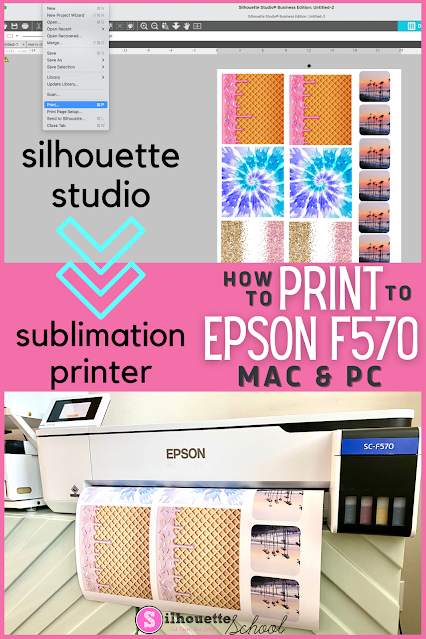
How to Print to Epson F570 Sublimation Printer from Silhouette Studio

Unlike my smaller Sawgrass sublimation printer, it's possible to print directly from Silhouette Studio to an Epson sublimation printer on both a MAC and a PC. 

Silhouette 101, silhouette america blog, epson f570, sublimation printer, epson sublimation

While it's easy enough to hit Print and pick the Epson sublimation printer, the key to getting the best print is knowing how to navigate the Epson F570 sublimation color profiles and print settings.  This Epson sublimation printer beginner tutorial will walk you through.

How to Fix Epson F570 Print Manager When Color Profiles Are Missing

If the sublimation color profiles for your Epson F570 sublimation printer seem to have gone missing...fear not. 

epson sublimation,epson,epson f570,drivers,sublimation,

This can sometimes happen if you change computers or your operating system updates. Read on for how to install the F570 sublimation printer color profiles 

Epson Sublimation Printers Comparison: F570 vs F170 vs Converting an Inkjet

Epson officially jumped into the desktop sublimation printer game in 2020 by launching two dye sublimation printers: the Epson SureColor F570 and the Epson SureColor F170. They come after many crafters and at-home small business have long been converting Epson inkjet printers into sublimation printers by replacing the ink. 

silhouette 101, silhouette america blog, sawgrass, epson, sublimation printing

But what's the best Epson sublimation printer to go with...the 8.5" wide F170, the 24" wide F570 or a converted Ecotank or Workforce?  I'll compare the three options here looking at a number of important factors to help you decide which Epson sublimation printer is best. 

Printer Banding Fix: Horizontal Lines and How to Resolve Them on Epson Sublimation Printer

If you are looking for a fix for your sublimation printer banding or the colors not printing accurately, you've come to the right spot. 

Silhouette 101, Silhouette America Blog, Epson Sublimation, Epson F570, Epson F170

It can be extremely frustrating when your sublimation printer starts banding or printing horizontal lines and ruining your prints.  The basic steps for resolving this issue are the same for most sublimation printers - and actually most printers no matter the type. In this tutorial we'll focus specifically on how to fix banding issues with an Epson Sublimation printer. 

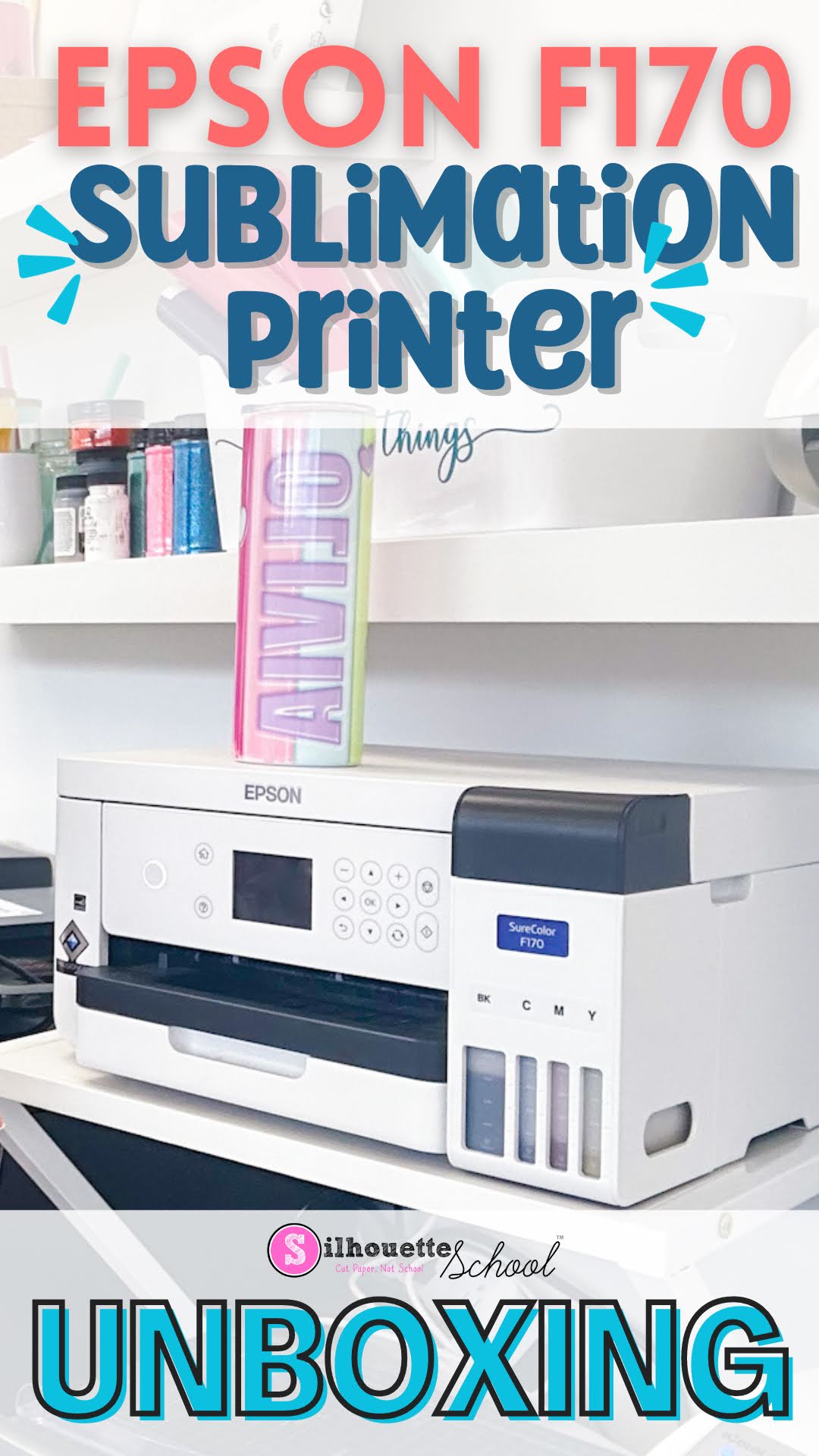
Epson F170 Unboxing! The Sublimation Printer That Should Make You Think Twice About Converting

If you've been considering an Epson sublimation printer - do not pass on the Epson F170.  

epson sublimation, epson f170, epson, sublimation printing, sublimation

I discourage converting Epson printers for sublimation and the fact the F170 sublimation printer is available (but for some reason relatively unknown) is just one reason why. This is a purpose built sublimation printer.  That means the sublimation ink that comes with it is perfectly suited for the print head and you won't void your warranty by using it the way it's intended (like you would by converting a printer). 

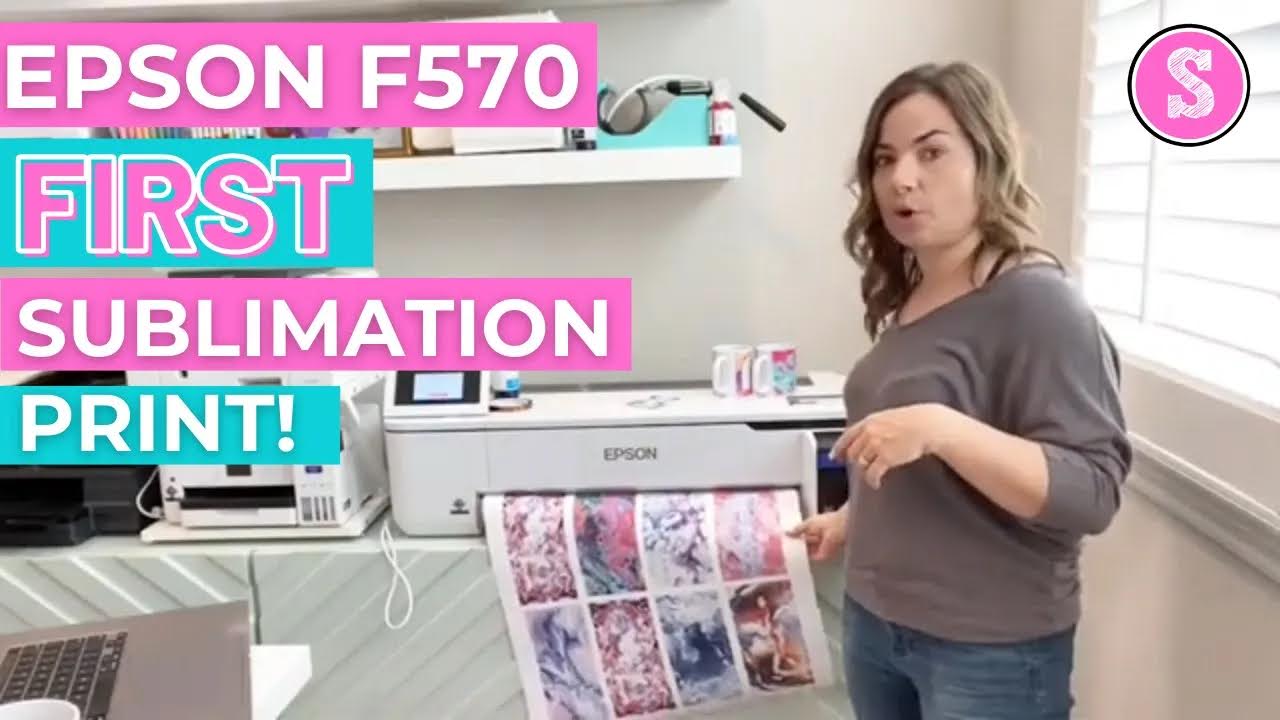
How to Use Epson F570 Sublimation Printer (First Print!)

If you're considering upgrading your sublimation printer or investing in a wide format sublimation printer, the 24" Epson F570 Pro is one I highly recommend. 

sublimation printer, epson sublimation, epson f570, silhouette 101, silhouette america blog

The Epson F570 is not a converted sublimation printer. It's a true dye sublimation printer intended for use with the included Epson sublimation ink.

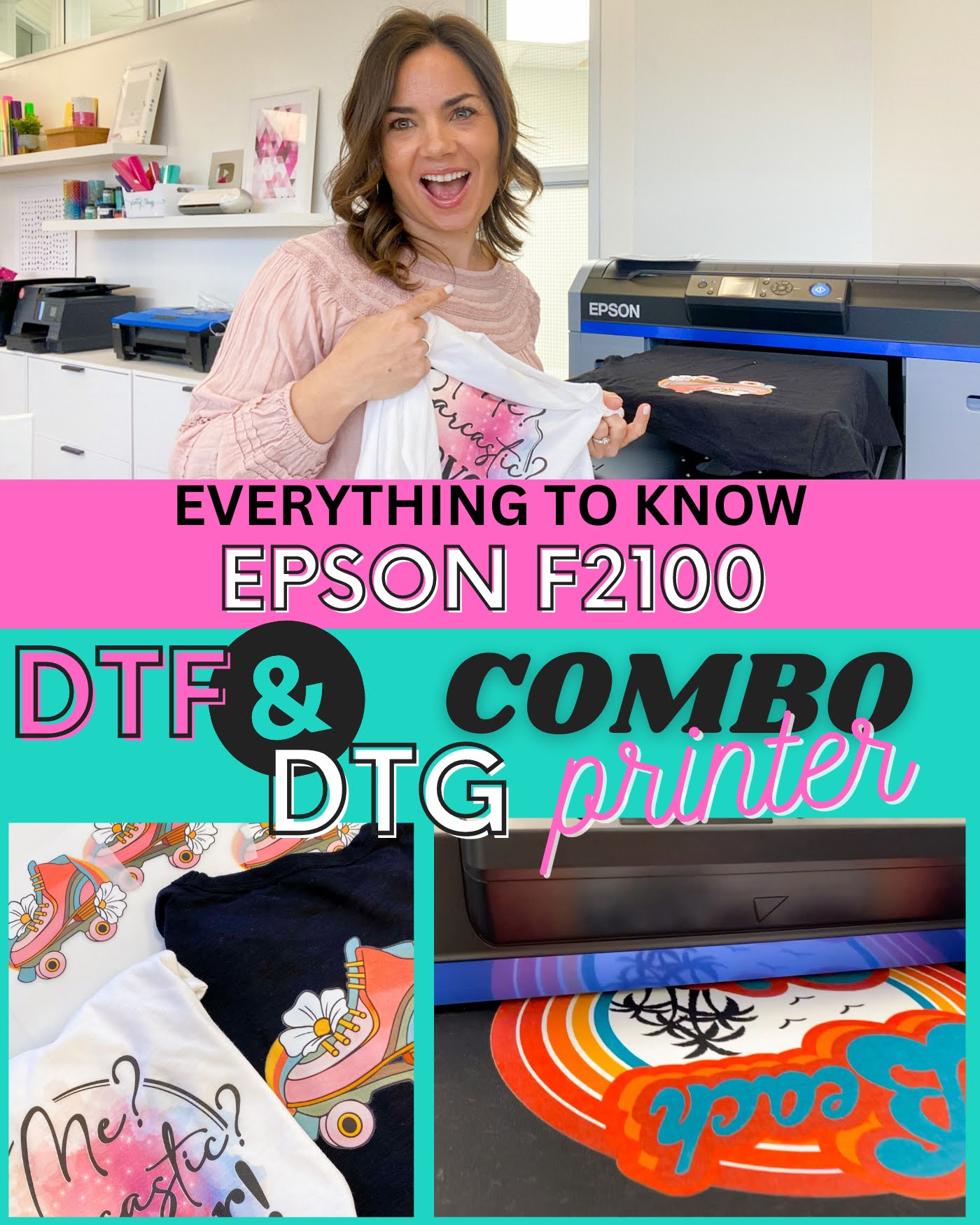
DTF and DTG Printer in One: Epson F2100 Everything You Need to Know

If you're looking for a t-shirt printer that will do it all to take your t-shirt business to the next level, I may have finally found the one. 

Epson F2100, DTF Printer, Epson, DTG printer, direct to film, direct to garment

The Epson F2100 is a DTF and DTG printer in one meaning it can print directly on darks, lights, any fabric type and DTF film. It prints white, works on MAC and PC, has relatively easy maintenance, and includes everything you need to get started - including ink.  

That's a lot of box checking, right?

The Epson F2100 DTG and DTG Printer is as close to a do it all printer for t shirts and DTF transfers that you're going to find under $12k $10k (new price reduction!!).  This is not a printer for crafters - the size, the price, the use requirements to maintain it are just not for anyone who's not consistently selling.  

But for small businesses looking to stop turning down shirt orders that a sublimation printer isn't up for (at least efficiently) while also having the ability to print the finished garment or the ready-to-press transfer the F2100 is a great option.  Read on to find out more about the Epson Surecolor F2100 DTG and DTF combo printer. 

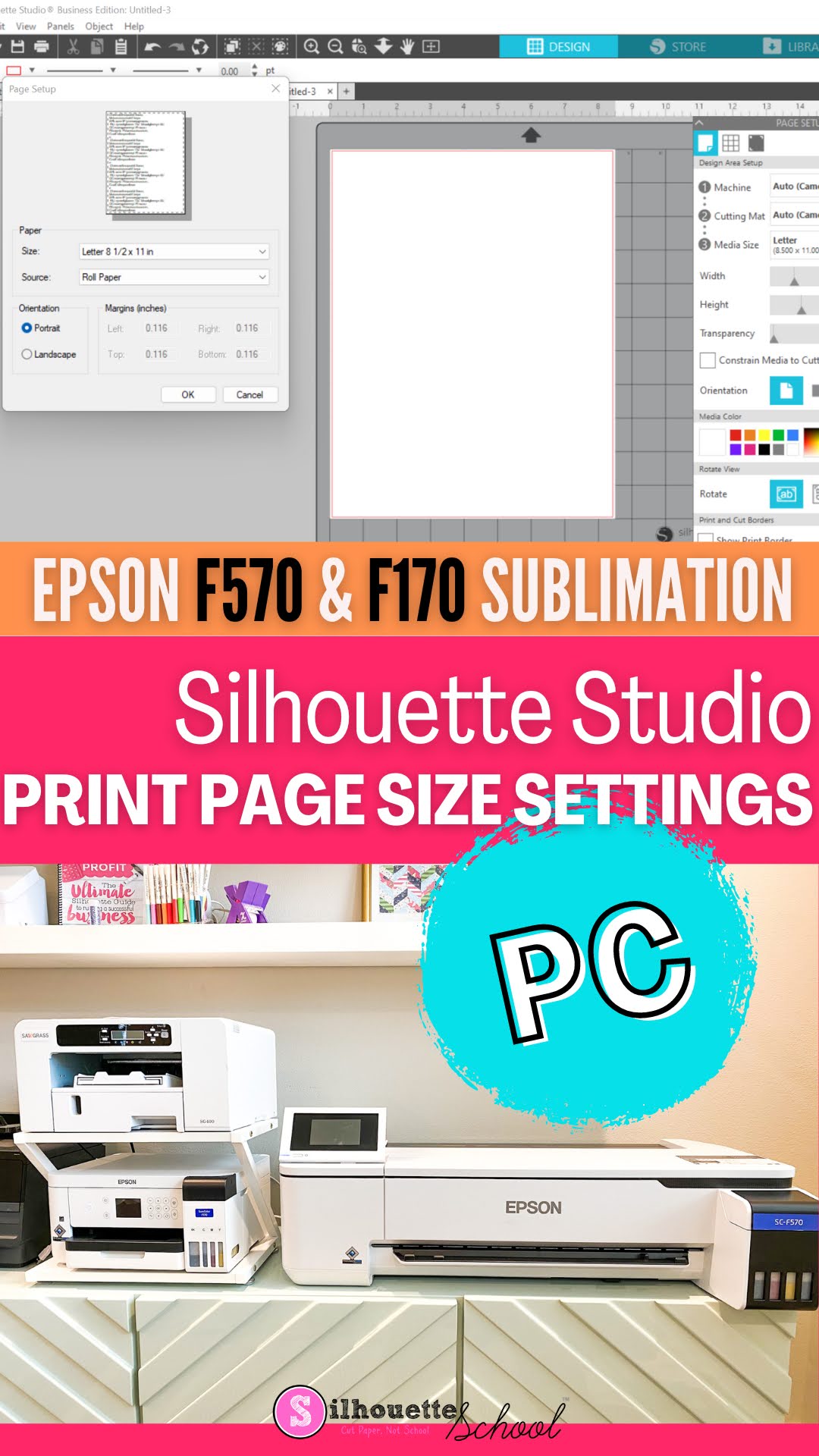
Epson F170 / F570 Sublimation Printer: How to Set Page Size in Silhouette Studio on PC

You can print directly to the Epson F170 or F570 sublimation printers from Silhouette Studio...but don't do so until you know how to set the print settings. 

silhouette america blog, silhouette 101, epson sublimation, silhouette and sublimation, epson f570

Setting print settings on a PC is relatively easy, but it's not always intuitive. If you are using a MAC to print to your Epson F570 or F170, check out this tutorial. Read on for how to set the page size in Silhouette Studio to match your sublimation printer on a PC.

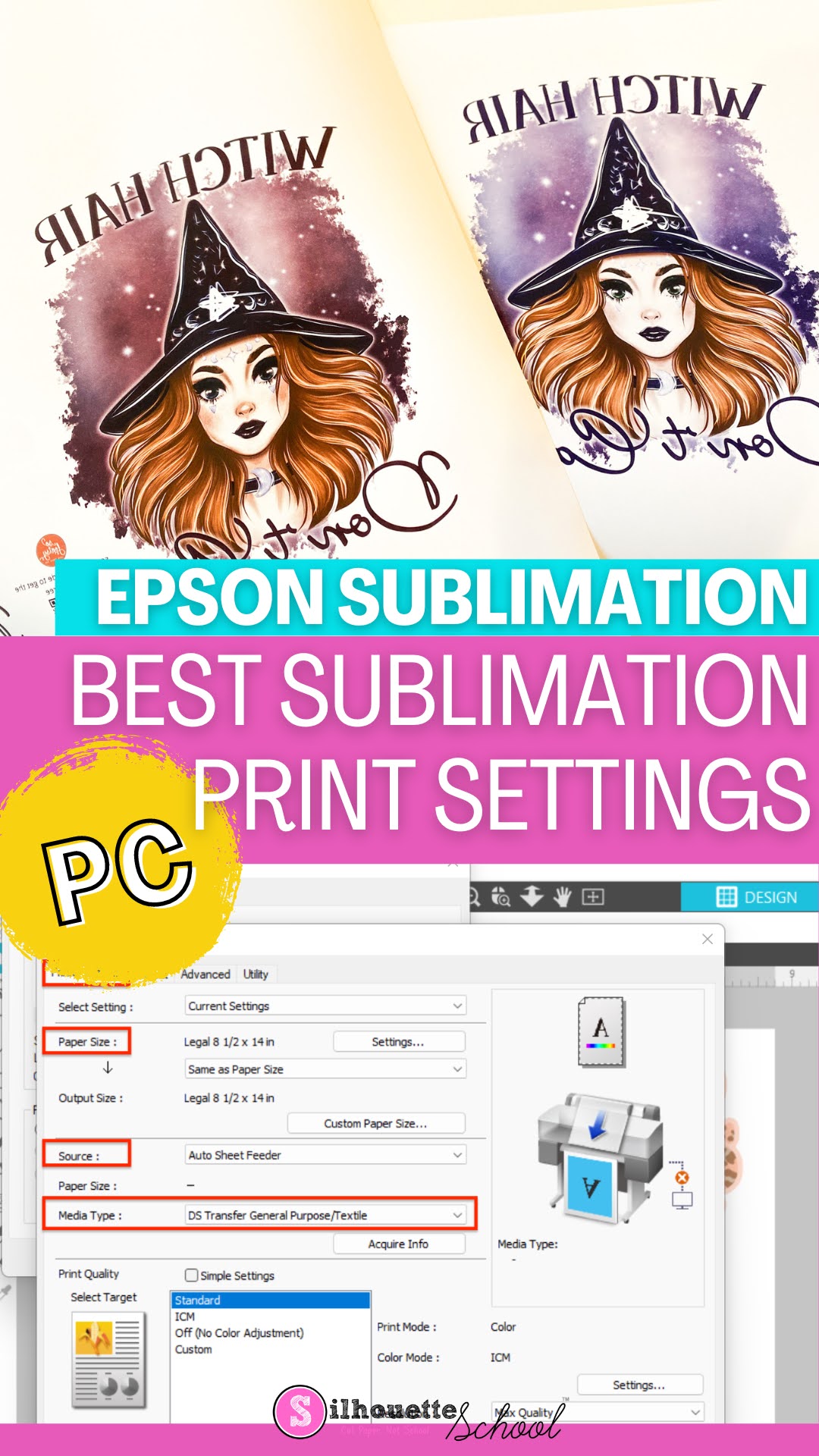
Epson F570 Sublimation Print Settings for Best Color (PC)

If you're looking for ways to get the best Epson F570 Sublimation print settings, the key is using the print manager. 

silhouette 101, silhouette america blog, epson sublimation, epson f570, sublimation printing

Accessing the Epson F570 Print manager on PC can be a little confusing so follow this tutorial for a step by step guide on getting the best colors when printing to your sublimation printer.