If your Silhouette cutting mats and blades are in need of a little cleaning you can extend the life of them and get better cuts by cleaning them.
In this tutorial I'll share how to make Silhouette mats sticky again and clean your blades - but with that said just know cleaning is usually a temporary solution and you may still need to replace your mats and blades to get the best cuts.
All Silhouette cutting mats need a good cleaning once in a while. Dust, fibers and tiny pieces of paper get stuck to the mat's sticking area, which can make the mat lose its stickiness. As we all know that can result in poor cutting.
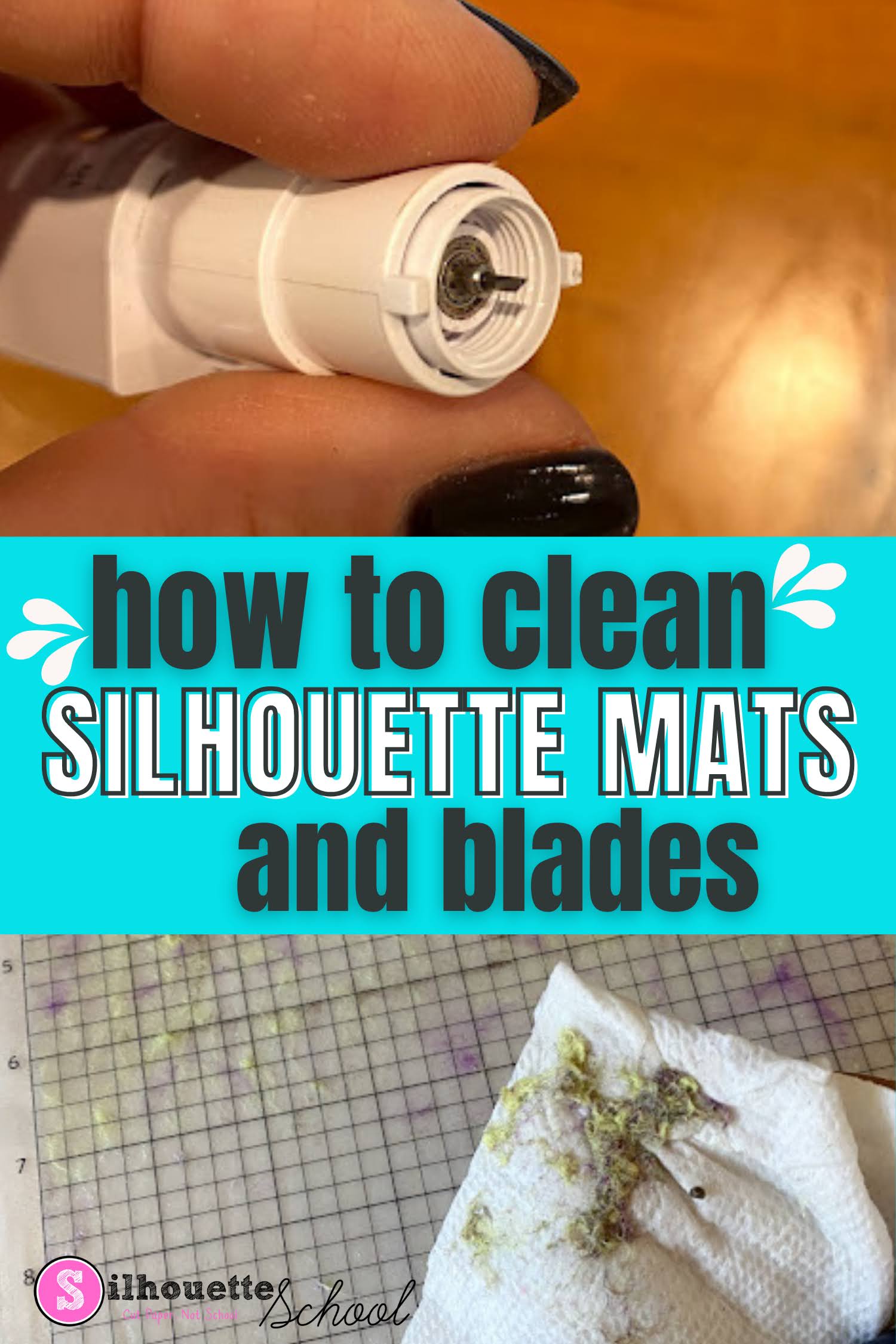
Sometimes even the Silhouette spatula and can't remove all the tiny fibers and paper bits on the mat. I have to admit, I'm a little embarrassed and ashamed to show you my 'before' mat....but it's all for the good of the blog, right?
March was only Silhouette School's second full month since our January launch...and it sure was a busy one. In March, we got
schooled on a lot of tutorials, shortcuts and work-arounds for those pesky problems that creep up in Silhouette Studio. Everything from how to turn free PicMonkey designs into Silhouette cut files to making perfect shapes, installing new fonts in Silhouette Studio and cleaning a dirty cutting mat.






.png)