



So Fontsy just launched a brand new UV DTF sticker gang sheet builder! I went through this as a total newbie so you can see exactly what to expect.
Before we dive in, let me be clear about one thing - this is NOT the same as the regular DTF gang sheet builder. The regular one is for heat transfers for shirts and other apparel.
This new builder is specifically for UV DTF stickers. If you're new to UV stickers - think custom stickers, can wraps, tumbler wraps, water bottle, and laptop stickers!
Step 1: Choose Your UV Sticker Sheet Size
To start you're gong to pick your sheet size from the drop down menu in the UV sticker gang sheet builder listing. Choose the one that fits what you're making - and don't forget these are gang sheets so you can add multiple different images and fill any blank space.


Once you select your size, click "Build Your Gang Sheet."
Step 2: Start a New Gang Sheet
If you've used the builder before, you'll also see the option to access a saved sheet - super handy for repeat orders!
Step 3: Download and Upload your Image
Click the option to upload your image and then navigate to your file on your computer. (If the file is in a zip folder, the zip folder will need to be unzipped first.)

TIP: If you're going to have one of the digital files you purchased from So Fontsy printed as UV stickers or a UV wrap, like I did with the UV print I'm making, you'll want to make sure it's already downloaded on your computer. At this time, it's not possible to load images into the gang sheet builder directly from your account.

Step 4: Resize and Rotate Your Design
Once your image uploads, click the thumbnail to open it in the gang sheet builder.


The Auto Nest option will help you with the best layout and positioning - just don't forget to give yourself some space between images to cut them apart after they're printed.

Step 5: Now Just Save and Add to Cart
When you're ready, click "Save and add to cart." Then click "Add to cart and exit" and head to checkout.UV DTF gang sheet orders over $99 ship free - and straight to your door!
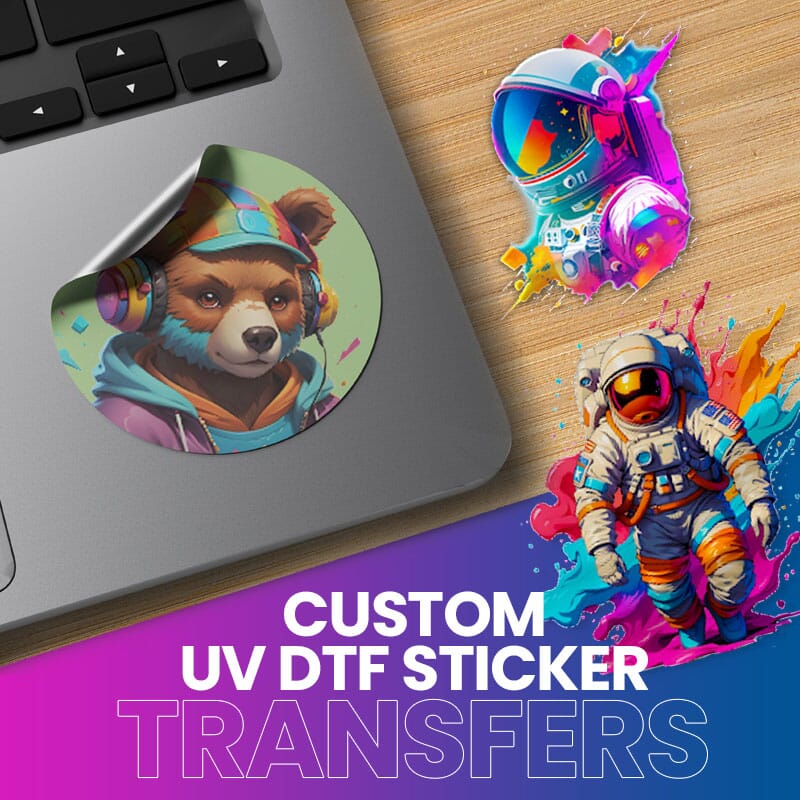
Ready to build your UV DTF Gang Sheet? Click the image below to get started!

Note: This post may contain affiliate links. By clicking on them and purchasing products through my links, I receive a small commission. That's what helps fund Silhouette School so I can keep buying new Silhouette-related products to show you how to get the most out of your machine!


.png)


No comments
Thanks for leaving a comment! We get several hundred comments a day. While we appreciate every single one of them it's nearly impossible to respond back to all of them, all the time. So... if you could help me by treating these comments like a forum where readers help readers.
In addition, don't forget to look for specific answers by using the Search Box on the blog. If you're still not having any luck, feel free to email me with your question.