
Copyright Silhouette School 2016. Powered by Blogger.


Showing posts with label templates. Show all posts

How to Make a Template in Silhouette Studio

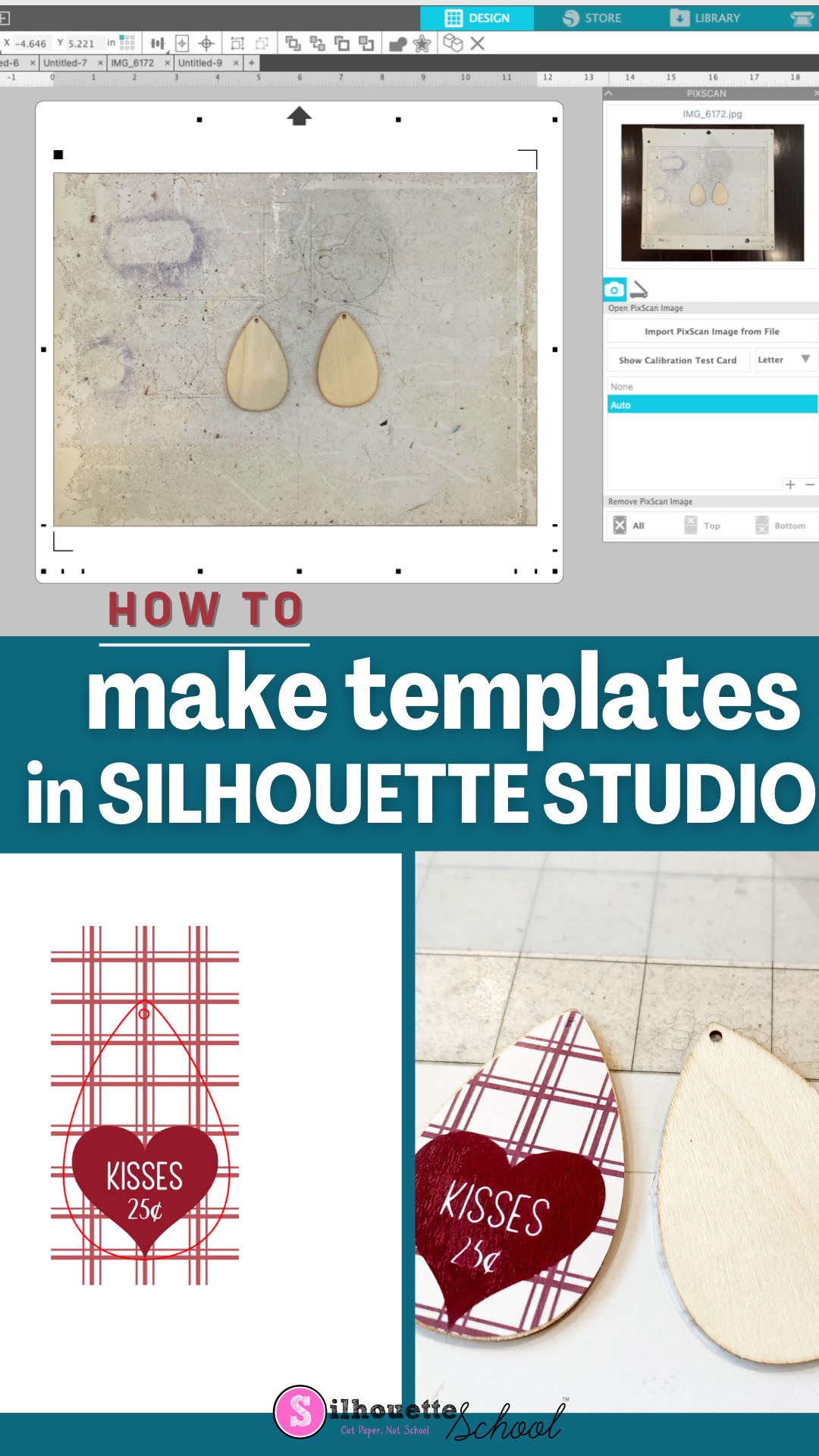
Did you know you can make a template in Silhouette Studio to match your blanks perfectly?

silhouette america blog, silhouette 101, silhouette pixscan, silhouette studio v4, earring templates

Knowing how to make a template in Silhouette Studio will allow you create designs, wraps and transfers that are perfectly sized for things like earrings, phone cases, keychains and other small blanks. Read on for how to make your own templates using the Silhouette CAMEO 4 PixScan mat.

How to Use Silhouette PixScan To Size Your Arabesque Tile Ornaments Perfectly

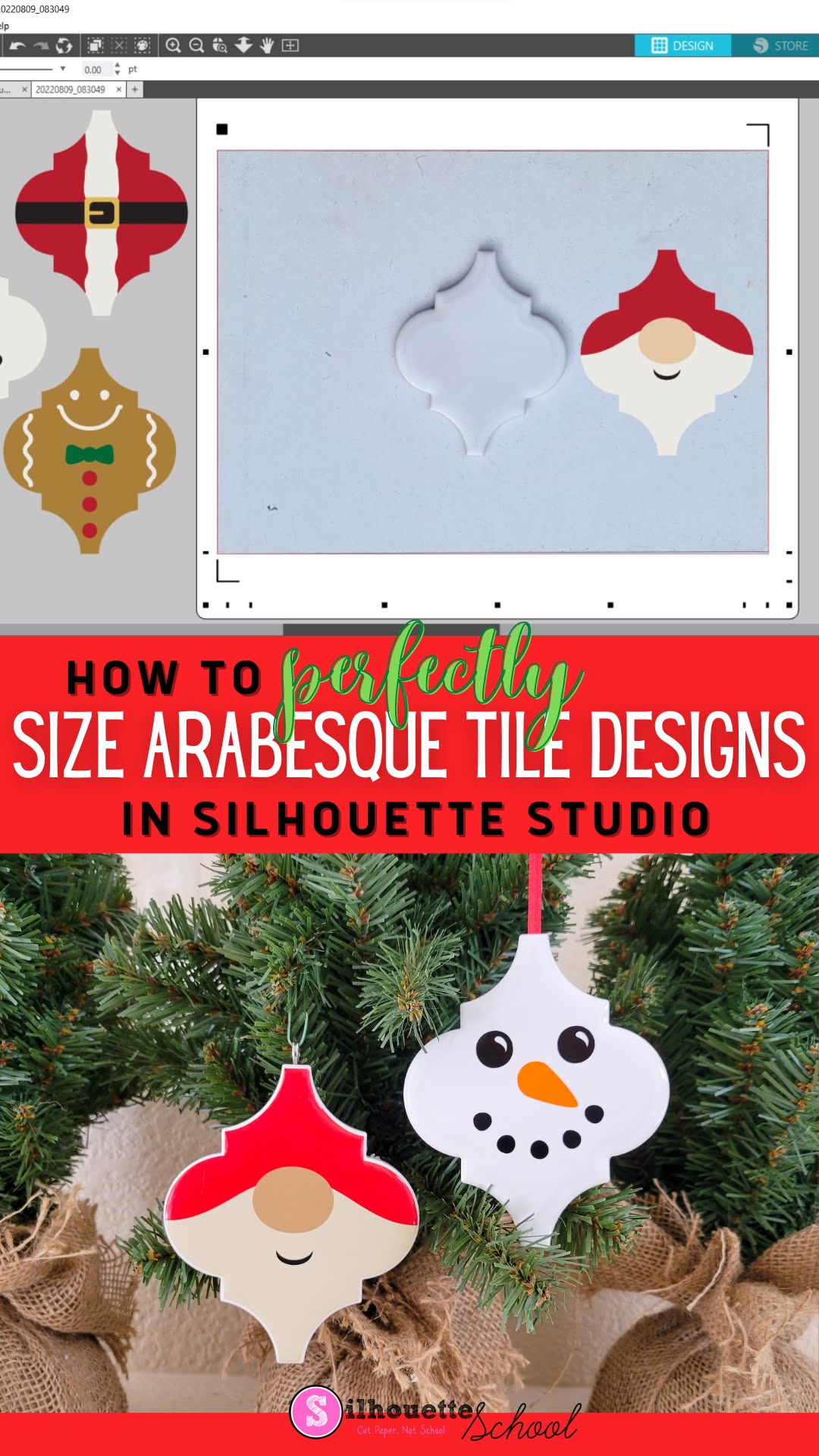
If you want to make sure that an arabesque tile ornament design is the right shape for the tiles you have, then here's how to make sure they fit perfectly! 

silhouette 101, silhouette america blog, silhouette pixscan, silhouette studio, ornaments

In this tutorial, we'll share how to use the Silhouette PixScan mat with your arabesque tiles and ornament designs to make the perfect ornament templates!